

 Norsk
 Українська
 Русский
Grok xAI + GPT-4o
Dual AI engine understands your business context — cleaning, repair, consulting, e-commerce. Works on any WordPress site.
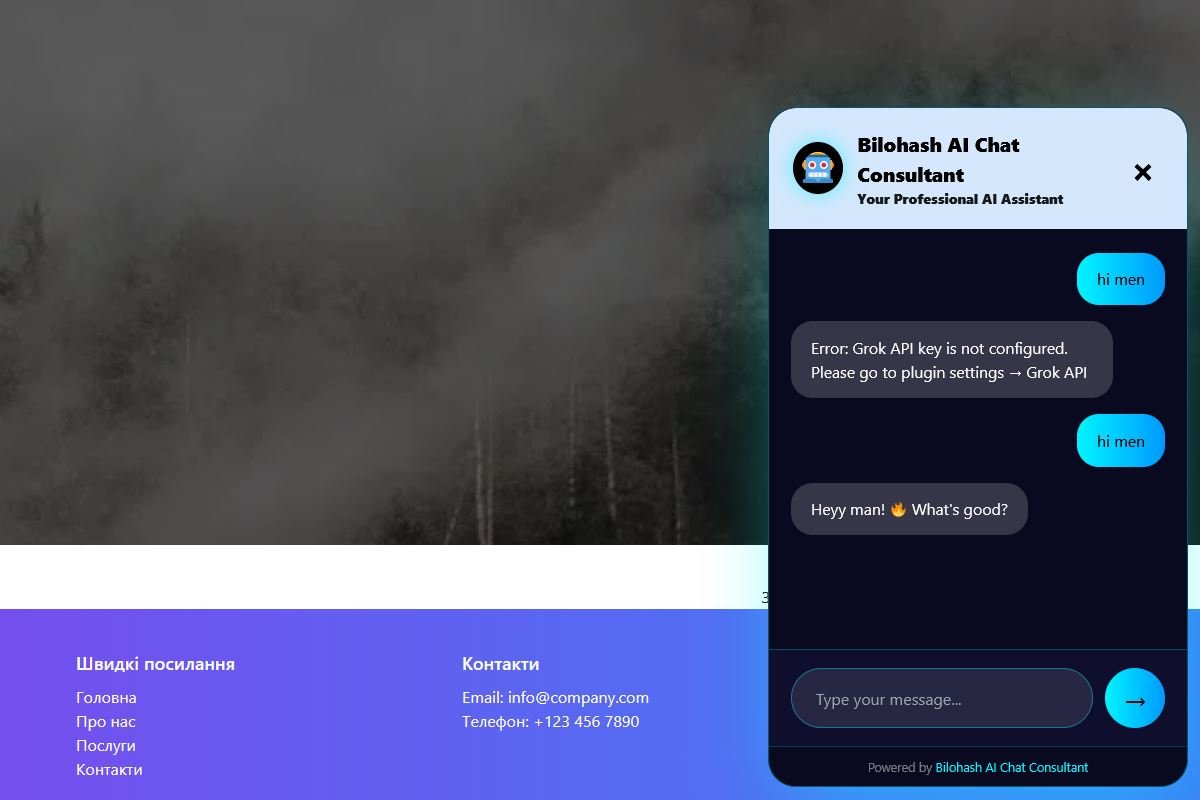
The smartest AI chatbot powered by Grok xAI and OpenAI GPT-4o for WordPress websites. Professional 24/7 responses • Lead collection • Instant Telegram notifications • Full brand customization
Dual AI engine understands your business context — cleaning, repair, consulting, e-commerce. Works on any WordPress site.
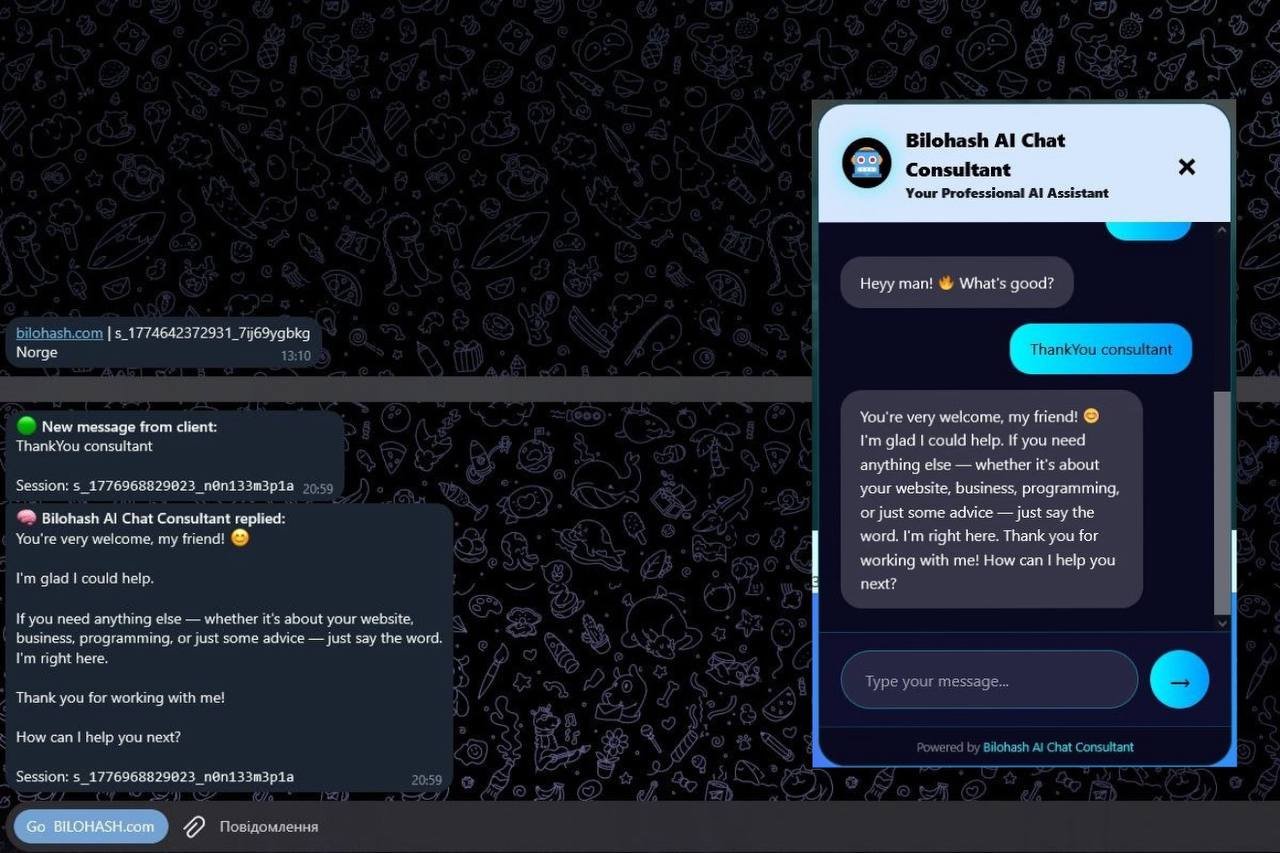
Every customer message and bot reply arrives in Telegram with name, phone and full text.
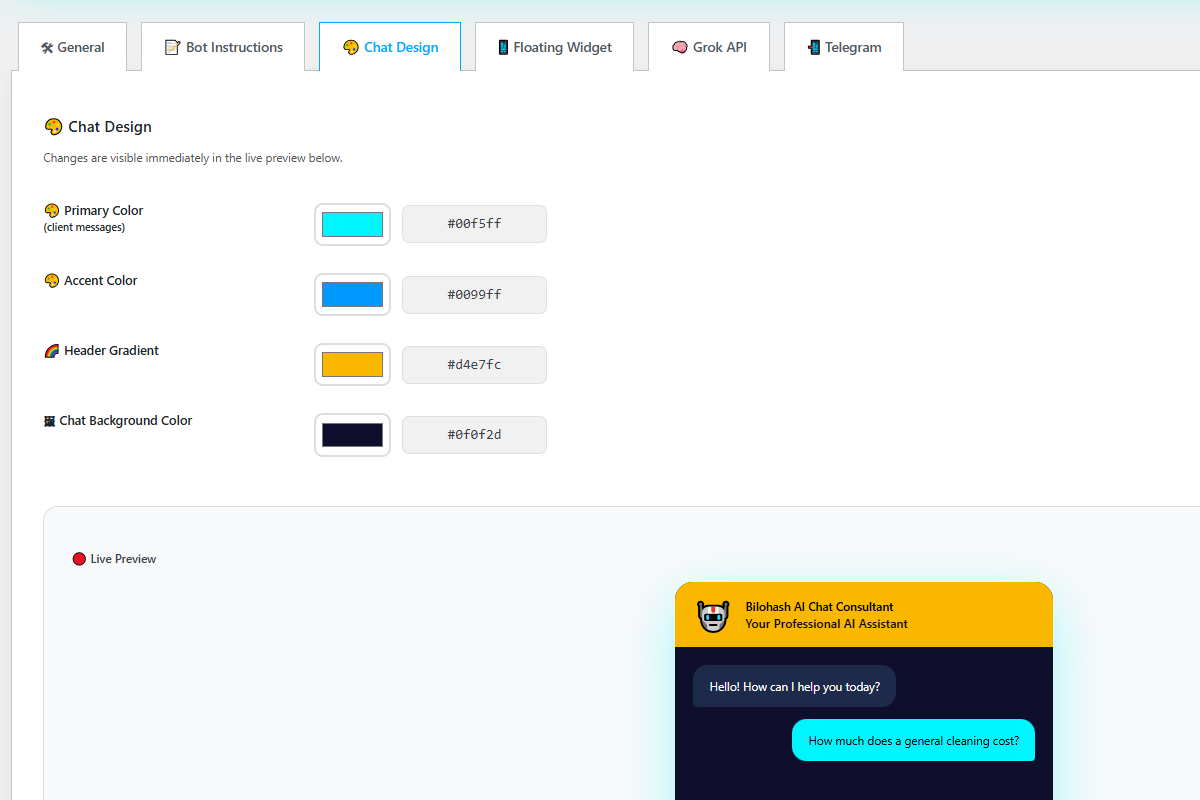
Colors, gradients, icon, position, opacity, auto-open — all in WordPress admin, no code.
Conversations saved in WordPress. Rate limiting protects from spam. Live preview in settings.
WP 6.4–7.0, modern themes, cache plugins. AJAX only — does not slow down your site. RTL + multilingual.
The official plugin bilohash-ai-chat-consultant: the base version is on WordPress.org, the full version with Telegram and branding removal comes with a license.
| Feature | Base | Full (license) |
|---|---|---|
| Basic Grok xAI chatbot | yes | yes |
| OpenAI GPT-4o support | no | yes |
| Telegram notifications | no | yes |
| Full design customization | no | yes |
| Auto-open chat | no | yes |
| Remove author branding | no | yes |
| Advanced business prompts | no | yes |
| Priority support | no | yes |
Ready immediately after activation. Works on any modern WordPress theme without conflicts.
The biggest update in plugin history — full dual AI support
A license gives you the right to use this ready-made script for one month or one year. You can try everything in the live demo first. Price by agreement — write to me and I will answer personally.
Need something built just for you? Custom development is agreed separately.
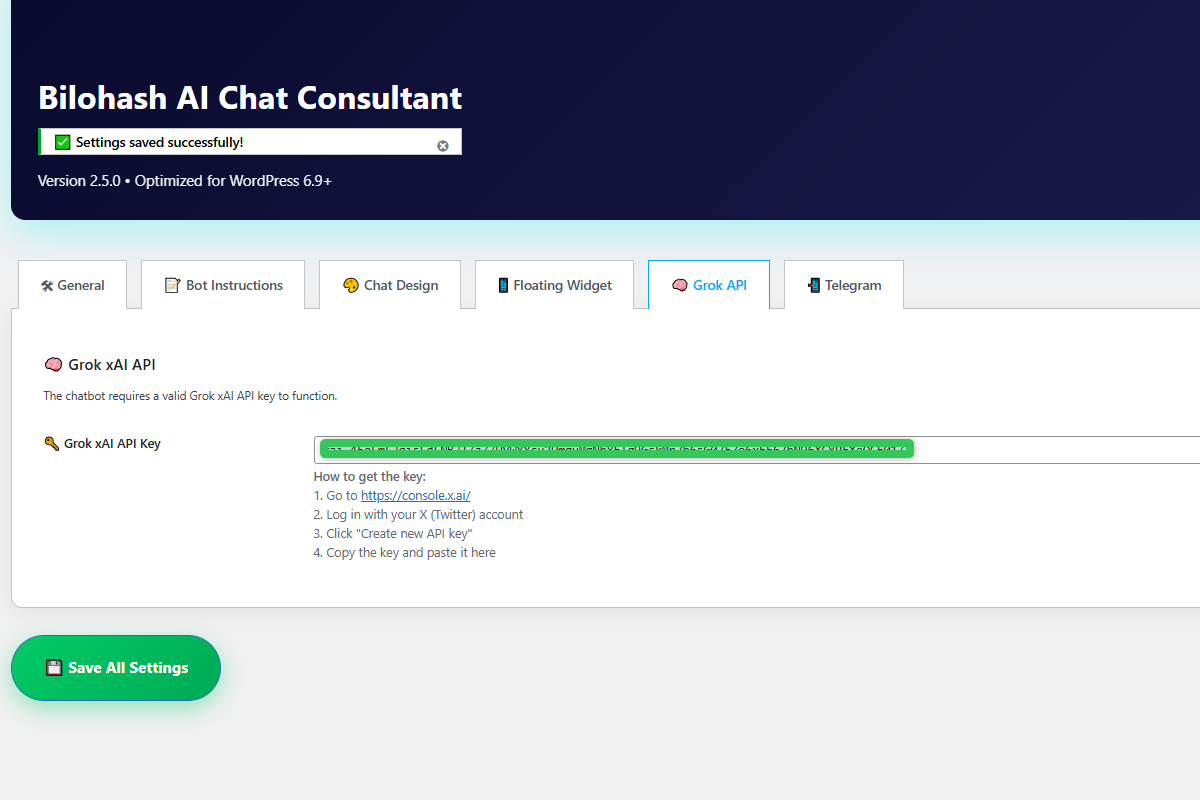
No. The plugin runs inside your WordPress. The base version is on WordPress.org; the full version comes with a license for one month or one year. You use your own Grok or OpenAI API keys.
Grok xAI (default) and OpenAI GPT-4o, gpt-4o-mini and gpt-4-turbo — switch in the General tab.
Yes. Tested with WordPress 6.4–7.0, modern themes and cache plugins such as WP Rocket and LiteSpeed.
No. Everything is configured in the WordPress admin panel.
Yes. Write to me with the link to your site — installation and setup are agreed separately.
This plugin is for WordPress only. The CRM is a standalone PHP + MySQL system with WhatsApp, Viber and a shared inbox.
Chat widgets, CRM demos and Grok/OpenAI automation.
bilohash.com/ai →PHP + MySQL · Grok, OpenAI, Telegram, WhatsApp, Viber.
bilohash.com/ai/crm →PHP Reservation Script for Hotels, Rentals, Clinics & Salons.
Product page →Timed auctions, bids, seller dashboard and CSV export.
Product page →PHP E-commerce Script for Catalog, Cart, Checkout & SEO.
Product page →Restaurant & pizzeria — menu, reservations, terrace section and admin panel.
Product page →Odaberite kategorije koje prihvaćate. Nužni kolačići ne mogu se isključiti.