How to use Faktura Creator
Send invoices from your phone in 2 clicks. Manage clients, calculate VAT, add QR codes, generate email text with AI, print in 12 designs and email via SMTP from admin.
Instructions in 7 languages —
EN · UA · LT · PL · DE · SV · NO
Video guide (screenshots)
Follow these 4 steps with live screenshots — same workflow as a short video tutorial. Works on phone, tablet and desktop.
1
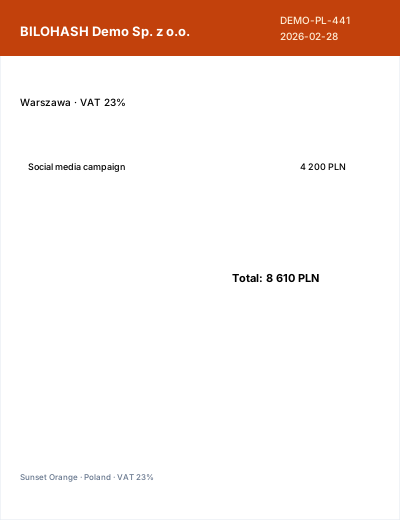
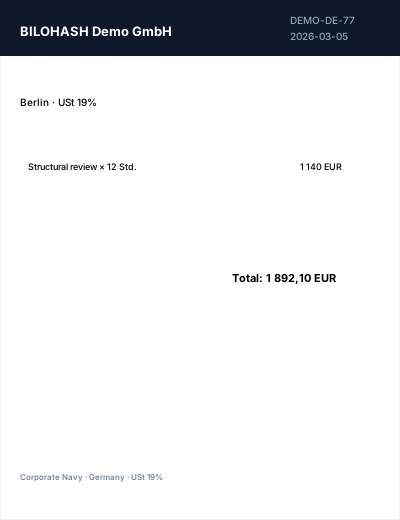
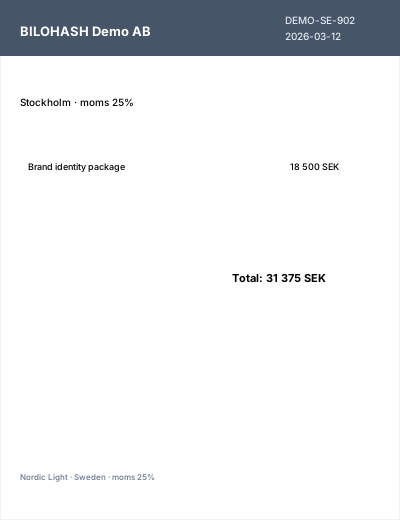
Demo invoices on homepage
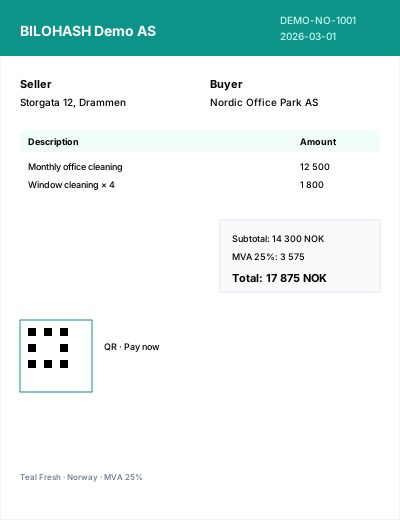
Pick a sample from the dropdown — print layout screenshot updates instantly.
Open demos →
2
Clients in admin
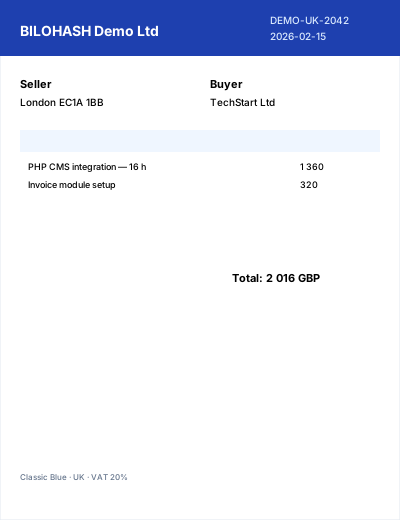
Add a client once — data fills every new invoice.
Admin → Clients →
3
Create & print
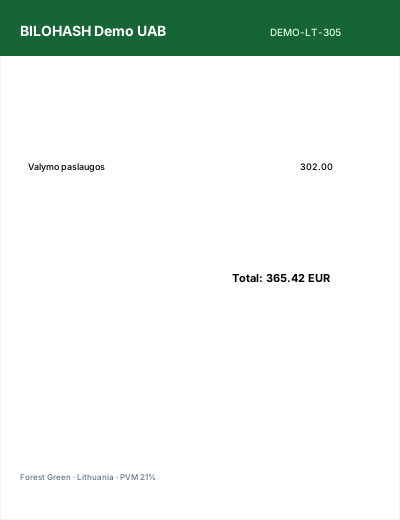
12 designs, QR, Pay buttons — save and print PDF in the browser.
Create invoice →
4
Send email + AI
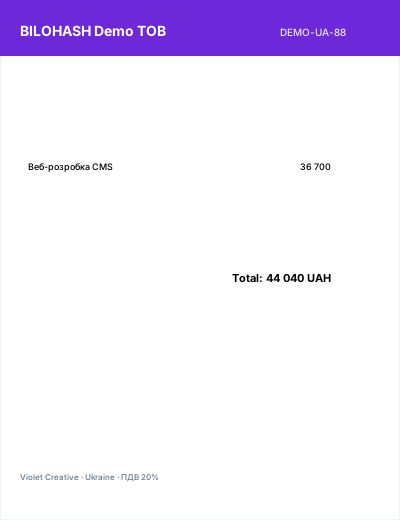
SMTP from admin, “Generate with AI” for email text — 2 clicks from phone.
Admin → Send email →
Frontend for 7 countries
Each country has VAT/MVA rules, currency, company defaults and a homepage demo invoice. Pick country on Create invoice — tax and seller data fill automatically.
Demo invoices →
Step-by-step
- Homepage & demo invoices
- Clients (admin)
- Create invoice
- QR code
- AI text
- Save, print & share
- Email from admin
- SMTP & subscription
Client database
Store customers in admin. Reuse on every invoice. Send saved invoices to client email in two clicks from your phone.
Admin → Clients
AI assistant
OpenAI (gpt-4o-mini, gpt-4o) or xAI Grok (grok-3-mini, grok-3) — pick provider and model in Admin → AI. OpenAI-compatible base URL supported. Prompts for email note, subject and payment terms. Placeholders: {client_name}, {invoice_no}, {total}, {currency}, {due_date}, {iban}, {lang}. Without API key — templates in all 7 UI languages.
Admin → AI
QR on invoices
Modes: (1) Invoice view link after save. (2) Payment URL — global template e.g. Vipps/Stripe with {amount}, {invoice_no}, {reference}, or per-invoice URL field. (3) Custom fixed URL. Toggle print and URL label under QR in Settings.
Admin → Company & global
Send invoice email
HTML email with invoice number, total, due date, personal note (AI optional) and button to view & print. Language follows UI lang switcher.
Admin → Send invoice email
Responsive layout
Phone, tablet and desktop.
Phone
Client picker, scrollable lines, mobile menu — 2-click workflow.
Tablet
Two-column seller/buyer, comfortable forms.
Desktop
Form left, live preview + QR right (sticky).
SMTP (admin)
Admin → SMTP: enable, host, port, TLS, username, from address. Demo: emails logged to email-log.json until SMTP is enabled.
Admin → SMTP
Subscription
BILOHASH ecosystem: 49 NOK/month (1 CMS · 1 domain) or 249 NOK/month (all CMS). Editable in admin.
BILOHASH ecosystem — 49 NOK/month (1 CMS · 1 domain) or 249 NOK/month (all CMS). Vipps billing coming soon.
BILOHASH ecosystem